
Mobile or desktop? Choosing the right device for the fashion store
Mobile devices bring flexibility to the shop floor, but some tasks still benefit from a dedicated workstation. From customer assistance to printing, packing and checkout, the best setup starts with how the work gets done.
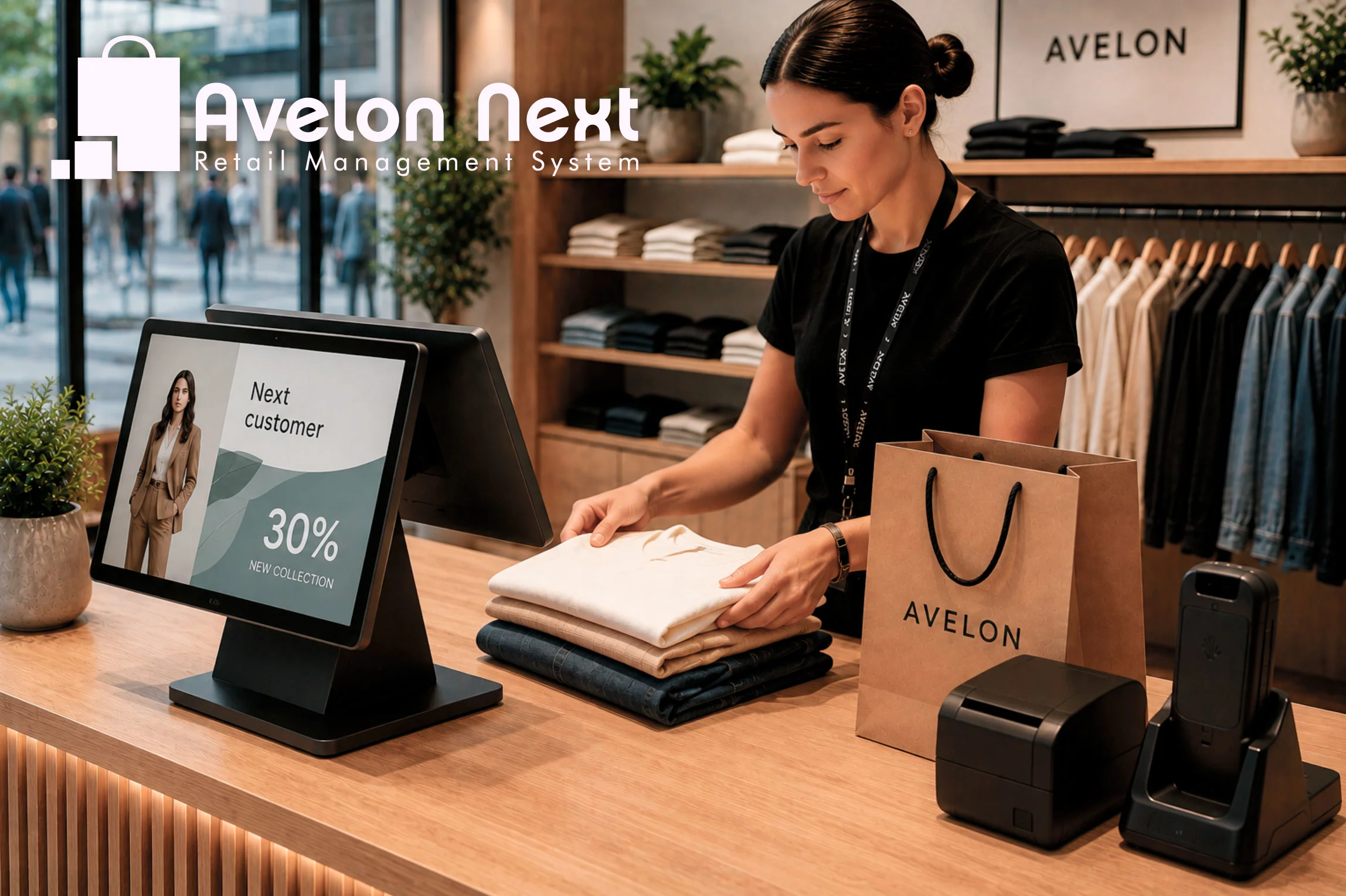
Mobile devices have an obvious place in a modern fashion store. They let staff look up stock beside a customer, count inventory where products are located and prepare orders without returning to a fixed terminal.But adopting mobile technology does not mean every workstation needs to become a tablet. A more useful question is: which device makes each task easier to complete?
Where mobile makes sense
Some retail activities involve moving through the store, the stockroom or both. For these workflows, carrying the system with you is a practical advantage.
Examples include:
- Checking sizes, colours and availability while assisting a customer
- Counting inventory and carrying out RFID operations
- Receiving goods in the stockroom
- Picking products for online orders
- Looking up product information on the shop floor
In these situations, a handheld device or tablet brings information and actions to the place where they are needed.
Where a desktop still earns its place
Other activities involve longer periods of work, more information on screen or frequent use of a keyboard and peripherals.
A dedicated workstation can be a better fit for:
- Office and administrative tasks
- Preparing product, price and RFID labels
- Creating and printing in-store signage
- Packing online orders and preparing shipping documents
- Reviewing and correcting detailed information
Screen size and input methods matter here. Comparing information, entering text and working through several steps can be more comfortable with a larger display, keyboard and mouse.
The workstation does not have to be on the sales floor. A compact setup in the back office or packing area may be exactly where it provides the most value.
Printing is part of the workflow
Printing illustrates why device selection deserves more thought than a simple preference for mobile or desktop.
A fashion store may use receipt printers, product-label printers, RFID printers and encoders, document printers and shipping-label printers. Each serves a different purpose, with its own media, settings and operating requirements.
Connecting a printer is only one part of the job. Staff also need to select the correct format, check the output, reprint when necessary and resolve everyday problems.
A mobile device may support all of this. The practical question is whether the complete process is straightforward for the people who operate and maintain it.
At a packing station, for example, a fixed workstation with ready access to the required printers may make more sense than asking staff to manage the same process on a tablet.
The checkout counter does more than take payments
Mobile checkout creates more options for serving customers. Whether it should replace the counter entirely depends on what happens around the transaction.
In a fashion store, the counter can also be the place where staff:
- Fold and pack garments
- Remove security tags
- Inspect and process returns
- Prepare gift wrapping
- Bring the customer’s visit to a clear conclusion
Moving payment to a mobile device does not remove the need for those activities—or the physical space to carry them out.
A store can offer mobile service while retaining a useful, well-designed counter. Its role should follow the customer journey and the work involved.
A customer-facing screen has its own role
A customer display can show transaction information during checkout. Between transactions, it can also provide space for collections, campaigns, loyalty information and promotions.
That makes it another device with a distinct purpose. The staff workstation supports the operation; the customer-facing screen supports communication.
Content should suit the moment, with transaction details remaining clear whenever a sale is in progress.
Build the setup around the work
Choosing devices becomes easier when the starting point is the workflow:
- Mobile devices for work that moves through the store.
- Desktop workstations for stationary tasks that benefit from a larger screen, precise input and regular peripheral use.
- Customer-facing displays for clear information and relevant communication.
A retailer may need all three, in different combinations depending on the store’s size, service model and fulfilment responsibilities.
Avelon Next supports this approach. It runs on Android for mobile workflows, and on Windows where a full desktop workstation is the better fit.
The aim is to give each member of the team a practical way to do their job, wherever that work happens.